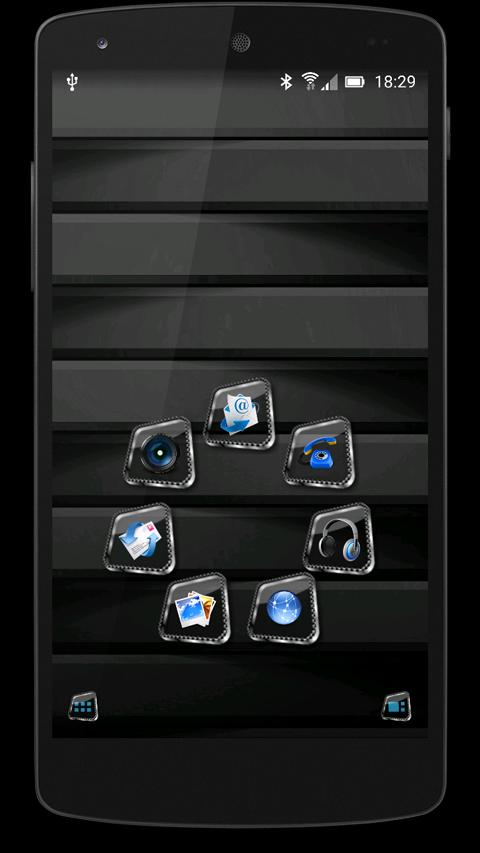
TSF Shell Launcher Theme Techno rainbowTSF Shell Launcher Theme Techno rainbowThe Theme includes four wallpapers, clock and package of icons.To instal
 Version
3.0
Version
3.0
 Package Name
com.av.themes.tsf.TechnoRainbow
Package Name
com.av.themes.tsf.TechnoRainbow
 Category
Practical Tools
Category
Practical Tools
 Size
6.97MB
Size
6.97MB
 Release Time
May 25, 2026
Release Time
May 25, 2026
TSF Shell Launcher Theme Techno rainbow
TSF Shell Launcher Theme Techno rainbow
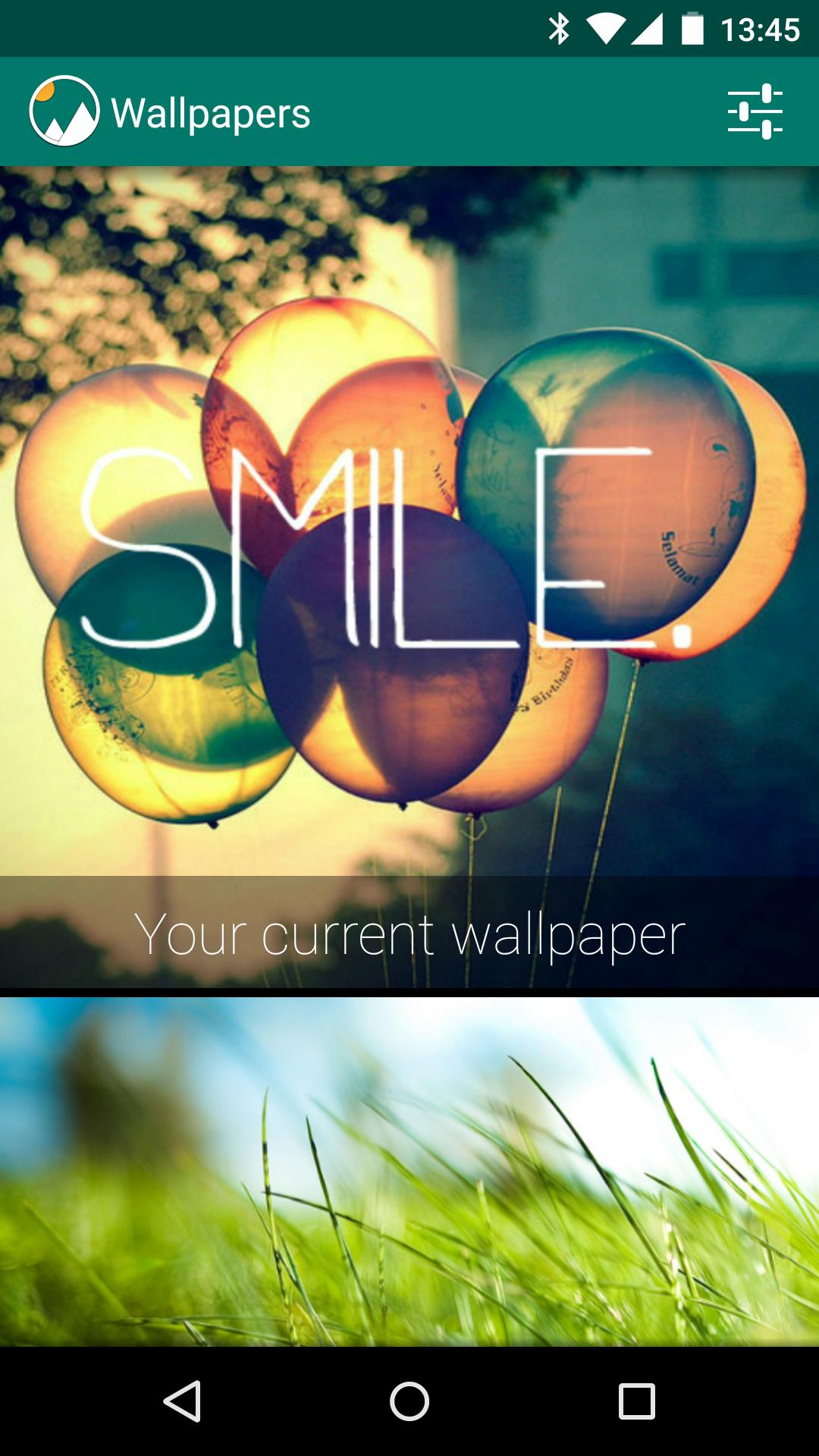
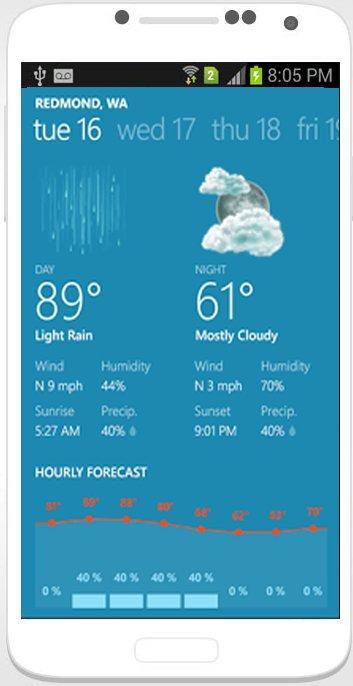
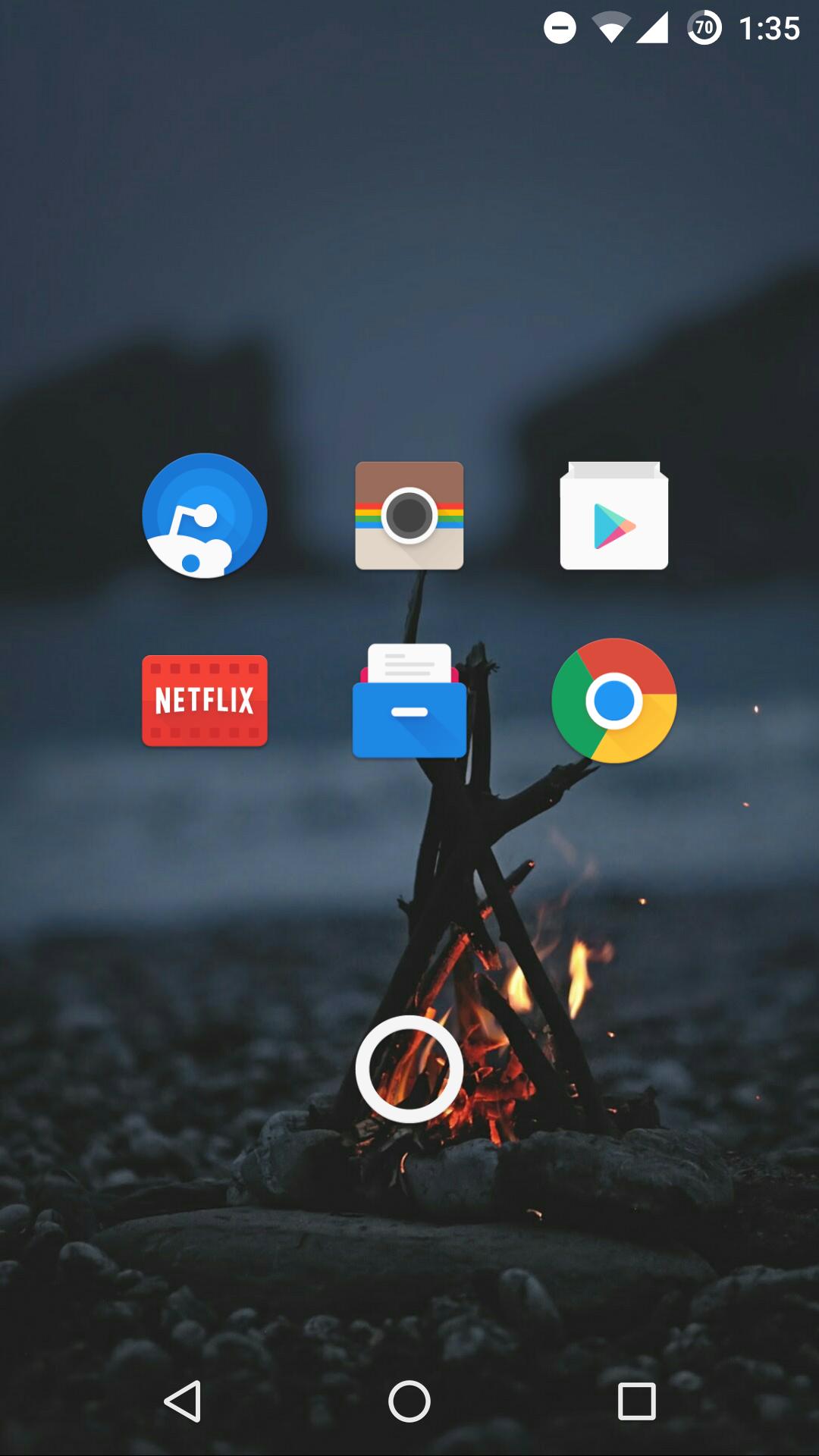
The Theme includes four wallpapers, clock and package of icons.
To install the Theme:
- Install TSF Shell Launcher (it must be obtained separately).
- Install the Theme.
- Tap on Settings and choose Theme.
- Select the Theme and apply it.
To Change the Wallpaper: Find Theme's wallpaper and apply it.
To Open the Clock: Select "Widgets" and find the Theme's Alarm clock.











 Download APK(6.97MB)